Guides
Practical, datasheet-grounded guides to mounting security cameras: choosing junction boxes, decoding mount part numbers, load safety, and form-factor fit.
Have practical experience to share? Send an installation note or request a missing camera or mount.
- Can you use another brand's mount on your camera?
You have a Hikvision bracket in the van and a Dahua camera in your hand. Will it fit? The honest answer, why mounts are brand-specific, and the one partial exception.
- Camera lens sizes: 2.8mm vs 4mm vs 6mm, and what each sees
The lens is the one spec that decides whether you get a wide room or a readable number plate. What 2.8mm, 4mm and 6mm actually mean for field of view and reach.
- Do camera rain shades and sun shields actually help?
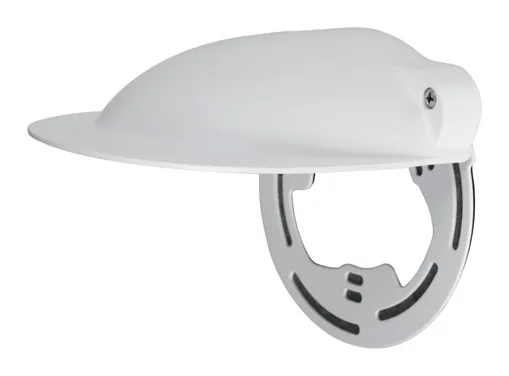
The little visor over an outdoor camera is either essential or pointless depending on the site. When a rain shade earns its place, when it is already built in, and the parts that add one.
- IP67 and IK10 explained: security camera ratings that matter
Nearly every outdoor camera is rated IP67, and the domes add IK10. Here is what those two codes actually promise, and why a good rating still fails if the install is sloppy.
- PoE, PoE+ and 12V DC: how to power a security camera
Most fixed cameras sip power over standard PoE, but heaters, PTZs and high-power IR change the math. How to read a camera's wattage and pick the right power method.
- Corner mounting a security camera: brackets and tips
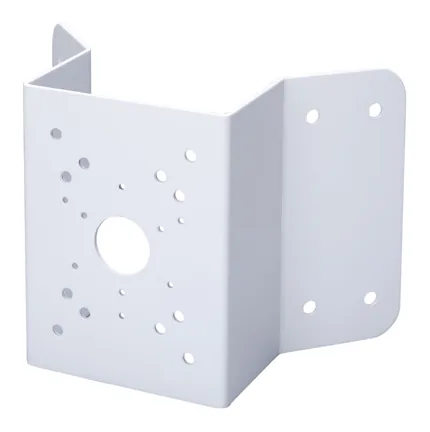
Building corners are one of the best spots for a camera and one of the most awkward to bracket. Here are the corner mounts for Hikvision, Dahua and Uniview, and how to get a clean install.
- Mounting a dome on a high ceiling: pendant mounts explained
Warehouses, atriums and car parks put the ceiling out of reach. Pendant and drop mounts bring the camera down to a useful height. Here are the parts for Hikvision, Dahua and Uniview.
- Wall mounting a security camera: arms and brackets
The most common install and the one with the most bracket choices. How wall mounts work for Hikvision, Dahua and Uniview cameras, and how to pick the right arm.
- How to hide security camera wiring
Exposed cable is what makes a professional install look amateur, and it is the first thing a vandal grabs. Here is how junction boxes, conduit adapters and cable entry choices keep the wiring out of sight.
- How to mount a security camera on a pole
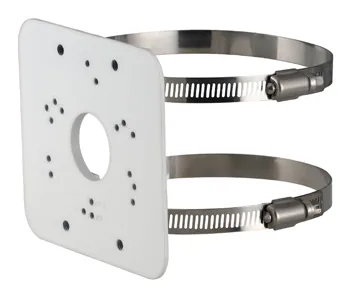
Pole mounting looks simple until the camera is pointing at the sky in the first storm. Here is how pole adapters work, which parts to use for Hikvision, Dahua and Uniview, and why wind load decides the bracket.
- Uniview mount part numbers explained: the TR- code
Uniview names its mounting hardware more logically than most: TR-JB, TR-WM, TR-UP. Here is how to read the code so you can spot the right junction box, wall mount or pole adapter at a glance.
- Turret vs bullet vs dome: how form factor changes your mounting
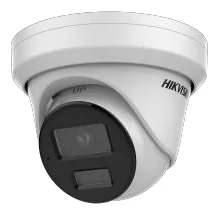
The camera's shape decides which mounts you even need. A practical rundown of how turret, bullet and dome cameras mount, and the accessories each one calls for.
- Will your mount hold the camera? Load ratings and the 3x rule
How to read a mount's rated load against your camera's weight, why we apply a 3x safety factor, and when a 'breach' is a real problem versus a conservative note.
- Dahua camera mounts decoded: PFA vs PFB brackets
Dahua splits its mounting hardware into two families, PFA and PFB. Knowing which is which, and which parts are close to universal, saves you a lot of guessing at the counter.
- Hikvision mount part numbers explained: the DS-1xxxZJ code
DS-1260ZJ, DS-1273ZJ-140, DS-1275ZJ-SUS: the pattern behind Hikvision's mounting bracket part numbers, what the suffixes mean, and why the number alone never guarantees a fit.
- How to choose a junction box for your security camera
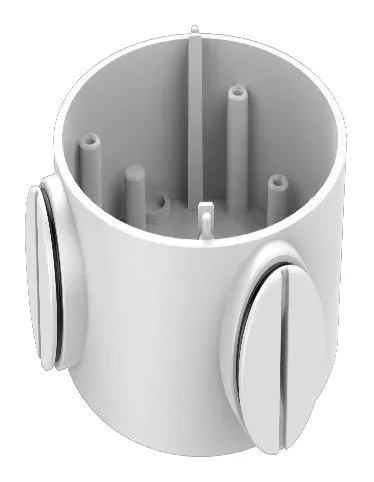
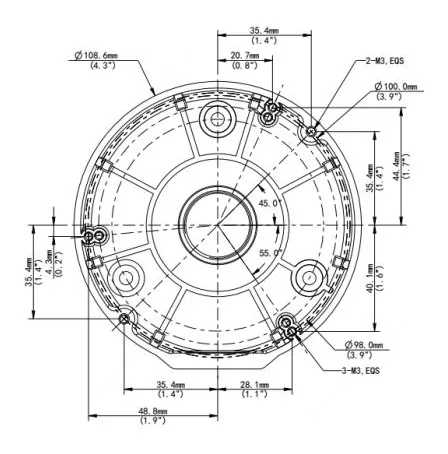
A junction box is the one accessory installers get wrong most often. Here is how to pick the right one for Hikvision, Dahua and Uniview cameras without a second truck roll.
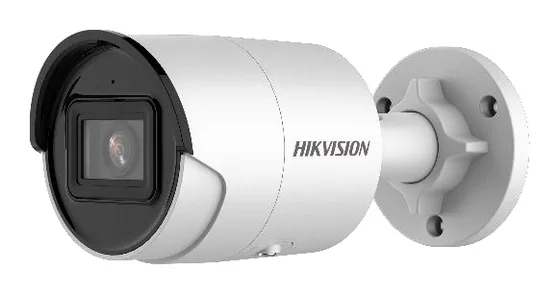
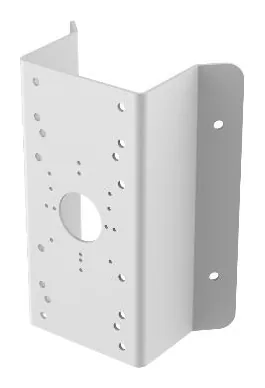
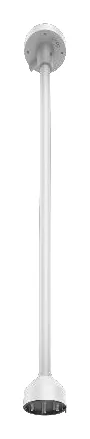
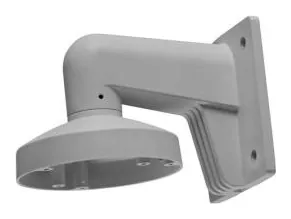
Subscribe via RSS. Every guide is grounded in the official datasheets we index - open any linked part to check the receipt yourself.