Uniview mount part numbers explained: the TR- code
Uniview names its mounting hardware more logically than most: TR-JB, TR-WM, TR-UP. Here is how to read the code so you can spot the right junction box, wall mount or pole adapter at a glance.
If you have wrestled with Hikvision’s and Dahua’s accessory codes, Uniview comes as a relief. Its mounting parts nearly all start with TR- followed by a two-letter tag that tells you what the thing actually is. Learn the six tags below and you can read most of the catalogue without opening a manual.
The TR- tags that matter
Every Uniview mount starts with TR-. The two letters after it are the useful part:
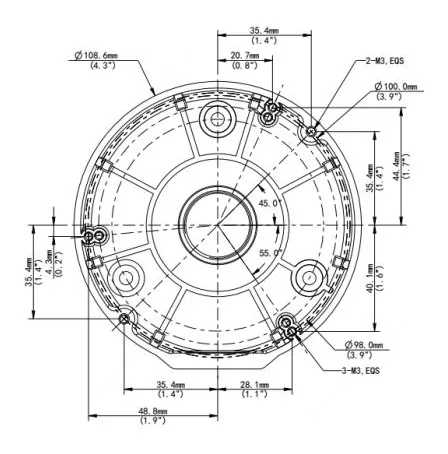
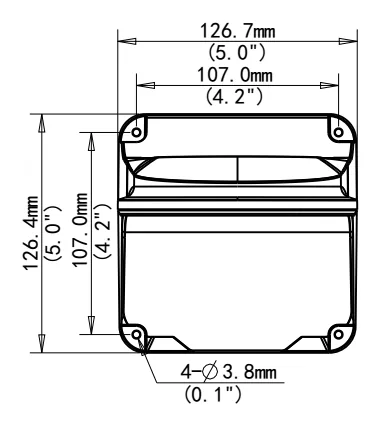
- JB - Junction Box. The TR-JB03-G-IN is the one you will meet most, covering a big slice of the fixed-dome range. The rest of the JB family (TR-JB05, TR-JB07) maps to different camera bodies. Junction boxes hub.
- WM - Wall Mount. The TR-WM03-D-IN is the common dome wall arm. Wall mounts hub.
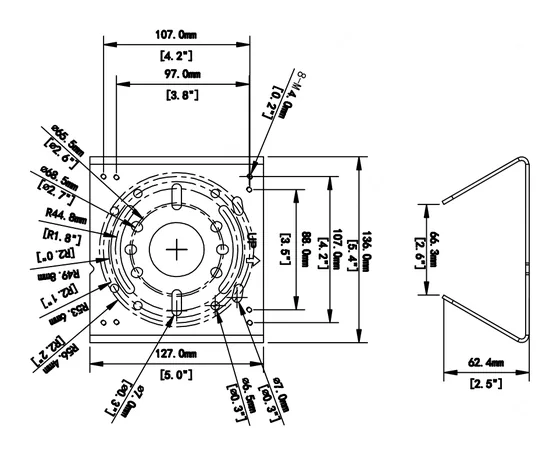
- UP - Universal Pole. The TR-UP06-IN is the pole-mount adapter that fits the widest range, with TR-UP06-C-IN as a common variant. Pole mounts hub.
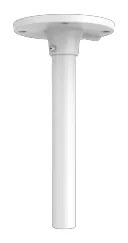
- CM / SE - pendant and ceiling drops. The TR-CM24-IN and TR-SE24-IN hang a dome from a high ceiling. Pendant mounts hub.
- UC - corner. The TR-UC08-C brackets a camera onto a building corner.
- UM - ceiling / incline. The TR-UM06-E-IN is a light in-ceiling adapter.
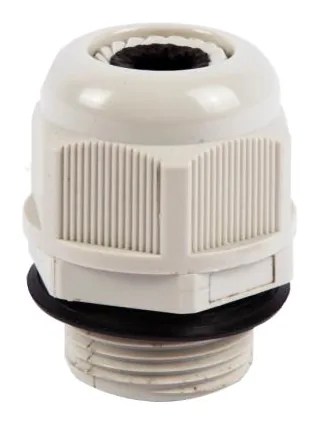
There is also the humble TR-A01-IN, a plastic waterproof joint that shows up as compatible with more Uniview cameras than any other accessory we track. It is not a mount so much as a cable-gland adapter, but it is worth knowing because so many installs call for it.
Reading the rest of the number
- The two digits after the tag (JB03, UP06, CM24) identify the family within that type. They roughly track body size, but do not assume two numbers are interchangeable.
- A trailing letter (TR-JB03-G, TR-WM03-D) is a specific revision or size within the family.
- Some parts combine tags, like
TR-JB07/WM03-G-IN(the slug is tr-jb07-wm03-g-in): it is a junction box that doubles as an outdoor wall mount. - The -IN suffix appears on most parts. Treat it as part of the code, not a spec you can act on.
The usual caveat
Even with Uniview’s tidy naming, the tag tells you the type, not the fit. A TR-JB03 and a TR-JB05 are both junction boxes, but they are built for different camera bodies. So use the code to shortlist, then confirm against the camera’s own datasheet, which is what every Uniview camera page here shows you with a source link on each row.
If you work across brands, the same decoding exercise for the other two is in the Hikvision and Dahua guides, and the practical “which box do I actually need” walk-through is in choosing a junction box.
Parts featured in this guide
Explore the datasheet-verified data
Everything in this guide is backed by the parts we index. Jump straight in: