How to hide security camera wiring
Exposed cable is what makes a professional install look amateur, and it is the first thing a vandal grabs. Here is how junction boxes, conduit adapters and cable entry choices keep the wiring out of sight.
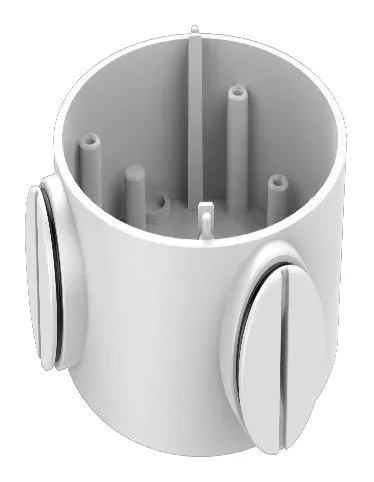
You can spot a rushed camera install from the street: a loop of grey cable sagging out of the back of the camera into a hole that was drilled a bit too big. Hiding the wiring is not just cosmetics. Exposed cable weathers faster, it is the obvious thing to cut, and a messy entry is where water gets in. Most of the fix comes down to three decisions.
Decision 1: junction box or bare wall?
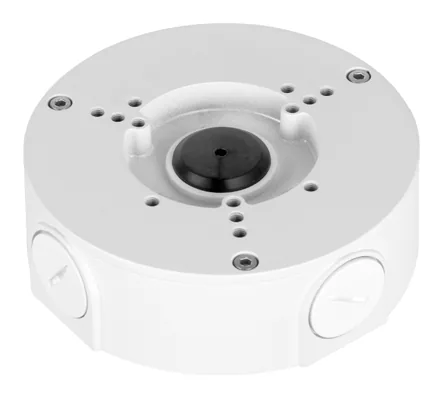
The single biggest improvement is a junction box. It sits between the camera and the surface and gives the cable and connector somewhere to live, instead of forcing a bulky RJ45 through a small hole. It also creates a dry, enclosed space for the splice.
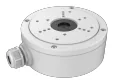
For current cameras the brand defaults are the Hikvision DS-1260ZJ, the Dahua PFA130-E, and the Uniview TR-JB03-G-IN. Whichever you use, confirm the camera’s datasheet lists that exact box, then browse the full set on the Hikvision, Dahua or Uniview junction-box hubs. Our junction box guide covers picking the right one in detail.
Decision 2: back entry or side entry?
Every mount enters the cable one of two ways, and it decides your whole cable path:
- Back entry feeds the cable straight through the wall behind the camera. It is the cleanest look, no cable visible at all, but it needs a hole in the right spot and a cavity or interior space to run into.
- Side entry brings the cable in from the side, which is what you want when you cannot go through the wall, for example on solid masonry or when running surface conduit.
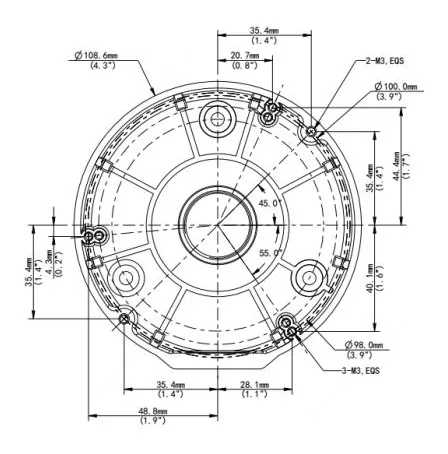
The spec plate on each accessory page here lists the cable entry when the datasheet states it, so you can plan the run before you drill. This is the kind of detail that decides whether a box works for your surface.
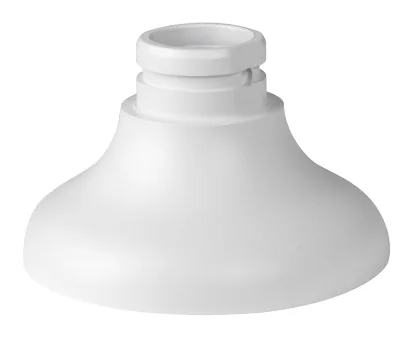
Decision 3: conduit for the exposed runs
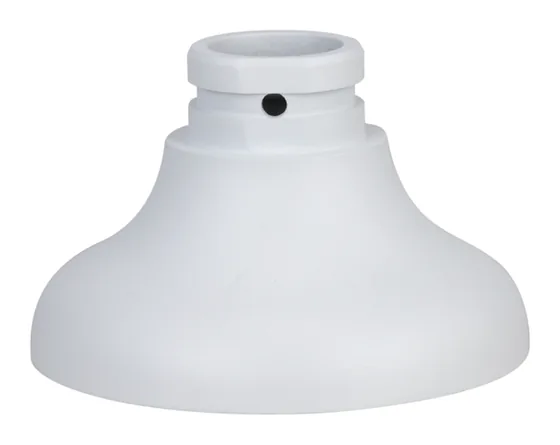
Where cable has to travel across a surface, conduit is what turns an exposed run into a tidy one, and on exterior walls it is often required. A conduit base or adapter lets you thread the cable straight from the junction box into rigid or flexible conduit.
On the Dahua side the PFA106 and PFA109 adapters do this job; see the Dahua adapters hub. Hikvision folds conduit-friendly entries into boxes like the DS-1280ZJ-S.
Putting it together
The clean install is usually: camera on a junction box, cable entering from the back through the wall where you can, or from the side into conduit where you cannot. Get those three decisions right and there is nothing left to see or to cut.
Every accessory page on this site shows the material, dimensions and cable entry from the official datasheet, plus the cameras the box is listed for, so you can confirm the fit before you order. If you are still choosing the mount type, the form-factor guide explains what turrets, bullets and domes each need.
Parts featured in this guide
Explore the datasheet-verified data
Everything in this guide is backed by the parts we index. Jump straight in: